Website screenshots you'd stake your reputation on
Reliable enough to hold up in a legal dispute, a compliance audit, or a verification report — so you can automate the screenshots you'd never trust to a tool before.
- Accurate
- Defensible
- Consistent
5 out of 5 stars
"very far ahead"
5 out of 5 stars
"high-quality images"
5 out of 5 stars
"a real success story"
800M+ screenshots rendered for over 1,700 customers.
See customer storiesScreenshots under scrutiny
Manual screenshots are slow. Cheap automation is risky.
Taking screenshots yourself is tedious and inconsistent. Most automated tools quietly cut corners that undermine your credibility.
- Auditors, regulators, and clients question their authenticity
- Low-cost tools introduce real security and compliance risks
- Rendering bugs, missing content, and layout glitches are common
When screenshots are used as evidence, records, or design inputs, those flaws matter.
Screenshots that hold up
Urlbox's trusted Web Vision Engine™Clean, credible captures with context.
Capture thousands of complete web pages in seconds — with the accuracy, precision, and context that matters.
Even emojis, fonts, and animations render the way a real designer on a Mac would expect.
- API for developers
- CSV & lists for teams
- Sales & compliance support
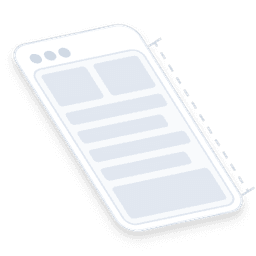
Full page screenshots
Capture the full scrollable height of any page and deliver it as a single, seamless image like a real user would see it.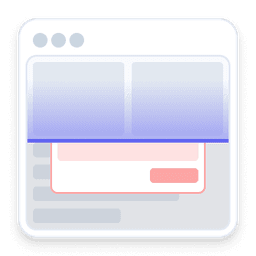
Clean, uncluttered captures
Modals, banners, and overlays are removed so pages appear the way they were meant to be seen.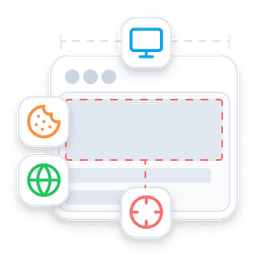
100+ options to fine-tune captures
Delay, scroll, click, wait, clip, localise, timezone, stealth mode, block scripts.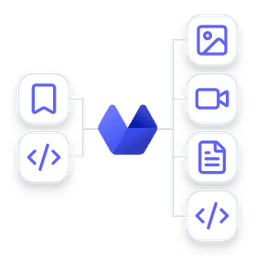
Any format you need
Turn URLs or HTML into images, video, PDFs, and structured data.
Forensic-grade context
Simultaneously capture HTML, text, metadata, and cryptographic timestamps.
Screenshots without getting blocked
Pick a point of view and capture pages as they appear to users anywhere around the world — bypassing bot detection, IP blocks, and geographic restrictions.
The best of speed and accuracy
Every capture prioritises correctness by default, but you can tune performance and accuracy to match your needs.
Detect any change
Image, text, and metadata captured together so you can spot layout shifts, copy updates, or silent HTML changes.It's so evident that Urlbox really cares and pays attention.

Mike Schauer, Founder Swiped.co

Full-page
Capture entire pages, not just the viewport
Urlbox renders the full scrollable height of any page and delivers it as a single, seamless image. From marketing landing pages to documentation sites to infinite-scroll feeds — get the complete picture every time.
Clarity
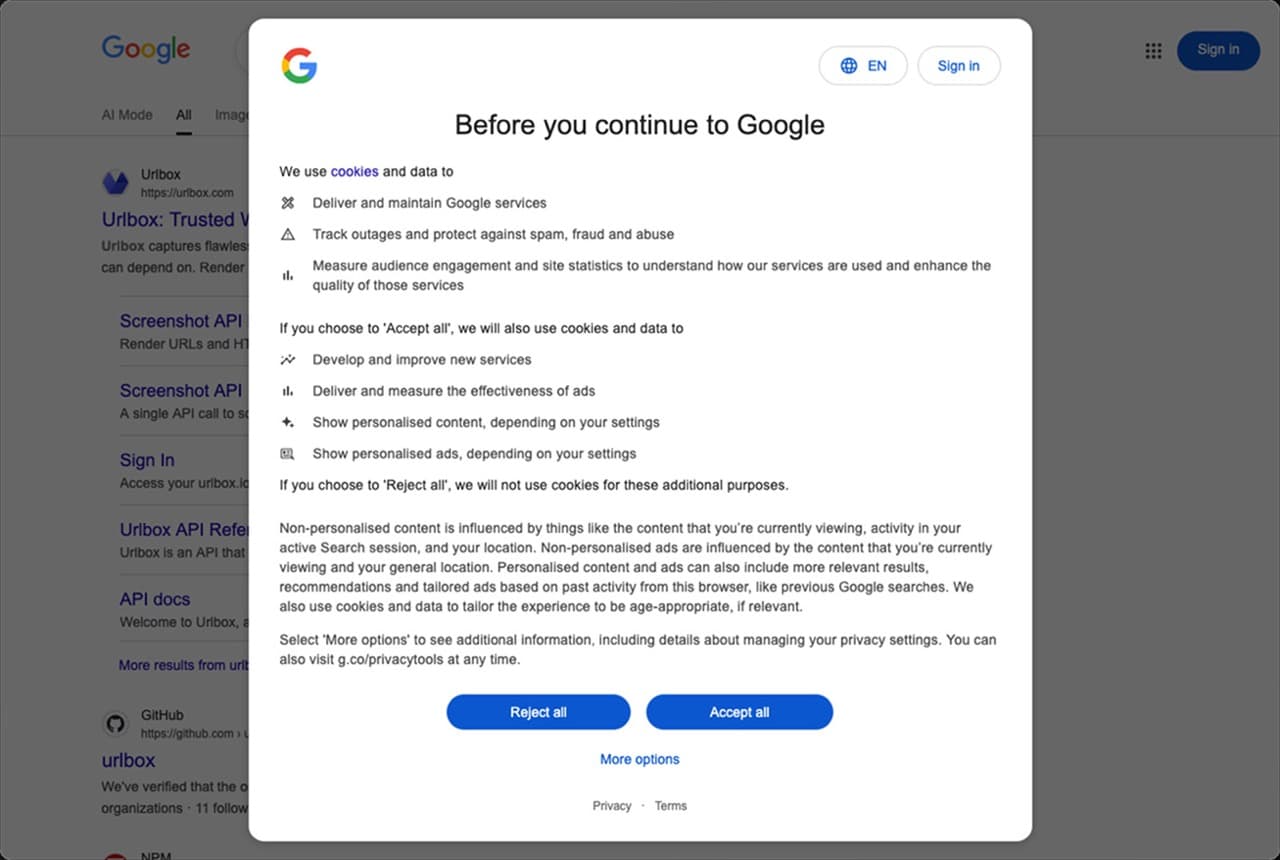
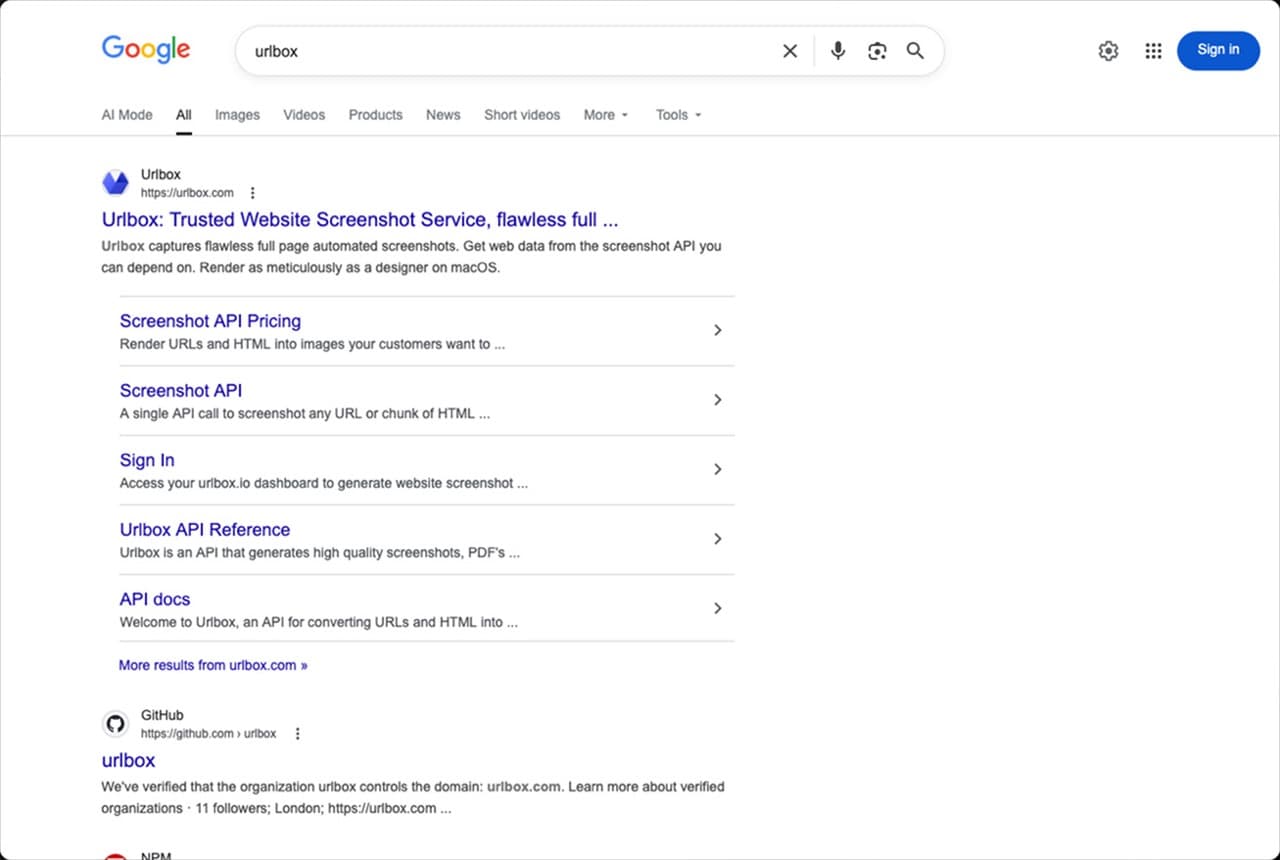
Clean screenshots you can trust
Automatically remove modals, overlays, cookie banners, ads, and widgets so your screenshots reflect the true state of a page, not a cluttered one-off view.
Context
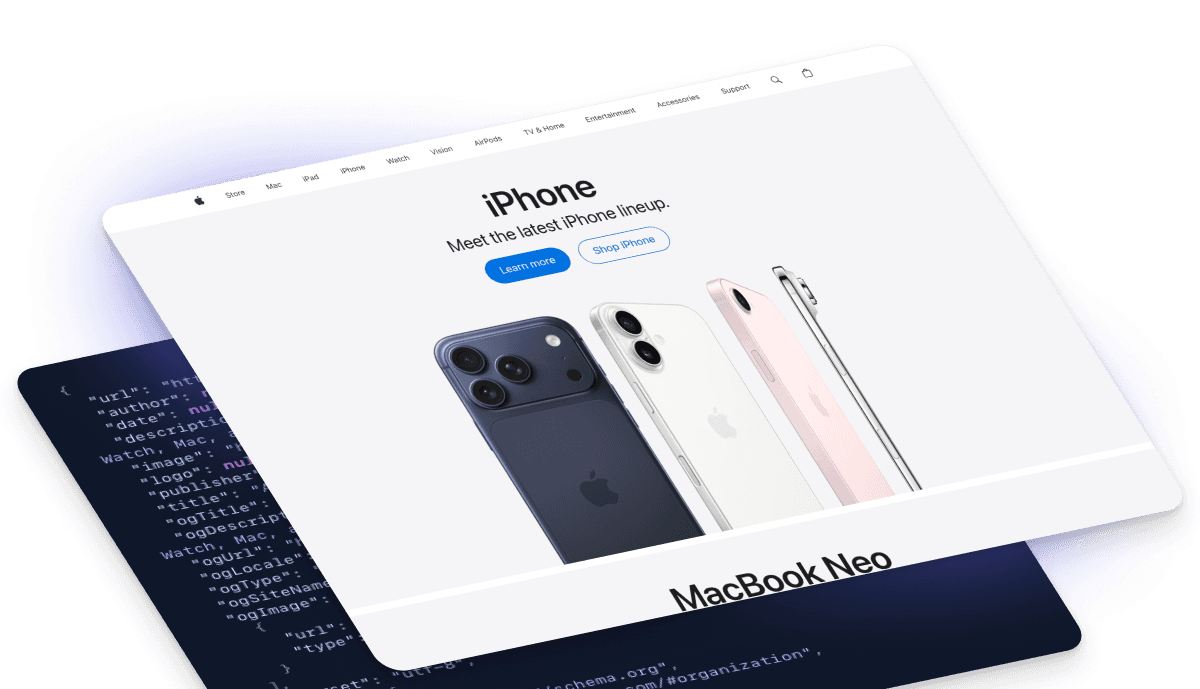
Screenshots with forensic-grade context
Capture metadata, links, markdown, and fully-hydrated HTML alongside every screenshot, secured with timestamps and cryptographic hashes so every screenshot is a provable, searchable record — not just an image.
Formats
Every screenshot format you need
Turn any URL or HTML into images, video, PDFs, and structured data — so captures drop straight into reports, websites, and workflows.
URL
Input a URL to render.
HTML
Input HTML code.
Image
PNG, JPEG, SVG, AVIF
Video
MP4, WEBM
Document
PDF, SVG
Data
MD, JSON, HTML
Image
When you want to capture a snapshot of a full or partial page at a specific point in time.
- PNG: Even with a transparent background.
- JPEG: For photos and general use.
- WEBP: For modern browsers and mobile devices.
- AVIF: For high-quality images on modern browsers.
Video
When you want to capture an animated website or a video scrolling down a page.
- MP4: For general video use.
- WEBM: For modern browsers and mobile devices.
Document
When you want to capture a page as if it were printed or you need a vector graphic for a design pipeline.
- PDF: For reports, invoices and more.
- SVG: For vector graphics.
Data
When you need to capture more context at the same moment as taking a screenshot, recording a video or generating a document.
- MD: Extract text content as markdown for LLM inputs.
- JSON: Extract structured metadata and more data from pages.
- HTML: Get the fully hydrated HTML with dynamically loaded content.
Controls
100+ more controls for the perfect screenshot
Fine-tune device, viewport, element focus, timing, interactivity, and perspective so your screenshots match any specific scenario.
Integrations
Storage and workflow integrations
Automation
Screenshots that run themselves
Schedule captures daily, weekly, monthly or continuously so your records stay up to date without manual work.
Archive
Your private archive of the web
Keep months or years of historical screenshots so you can prove exactly what a page looked like at any point in time.
Storage
Store every screenshot in your own infrastructure
Send screenshots and their context directly to your cloud storage so sensitive data doesn’t have to live on someone else’s servers.




Workflows
Fit screenshots into your real-world workflows
Screenshots are rarely the first or last step. Trigger, transform, and route them through the systems you already rely on.


Artificial Intelligence
No screenshot AI unless you choose it
Core capture, storage, and analysis work without LLMs. Optional AI features are opt-in, clearly labelled, and can run on your own models or keys.







When I have a new feature request, I email support and get a response saying it's already possible - within minutes.

Rutger Tolenaar, Founder ReviewTycoon
Coverage
Screenshots without getting blocked
Set the geographic origin of each request and hide automation signals so you avoid blocks, bot detection, and unwanted regional redirects.
Performance
Fast screenshots when it matters, accurate captures when it counts
Every capture prioritises correctness by default, but when speed drives growth, we help you tune performance and accuracy to match your product's needs.
You only pay for successful renders — so accuracy is in our interest too.
Monitoring
Detect any change, automatically
Urlbox captures image, text, and metadata together so consecutive renders can be compared on every axis — layout shifts, copy updates, missing elements, or silent changes in the underlying HTML — and flag exactly what changed before your users do.

Scale
Screenshots at internet scale
From a few screenshots to millions a month, customers grow on infrastructure proven at billion-capture scale.
See it in action on OneMillionScreenshots.com — a public monthly run that captures the web at real-world scale.
OneMillionScreenshots.com
Team
A real team behind every screenshot
Four UK-based screenshot engineers, decades of experience, and a shared inbox — when you email support, or book a call, you talk directly to the people who built the platform.

Arnold Cubici-Jones
Worcestershire

Chris Roebuck
Yorkshire

Gus Meneses
Oxfordshire

Jon Markwell
Sussex
Compliance
Built to meet your security and compliance standards
Every capture is protected by the same product security, network controls, and data-privacy policies you expect from modern SaaS — with SOC 2 Type II, GDPR, and US or EU infrastructure.


Regulation
Made for regulated environments
If your organisation needs formal review, documentation, or security sign-off, we’ll guide you through it — quickly and without surprises.
- Extended trials for technical and security evaluation
- US, EU, or on-premise deployment options
- Information security and compliance documentation
- Enhanced SLAs and custom MSAs when required
Guarantee
The $100 / 10,000 screenshot guarantee
Try your first 10,000 screenshots risk-free. If you’re not satisfied, we’ll refund up to $100 — no awkward conversations.
Solutions
Start capturing screenshots today
Screenshot API
Build screenshots directly into your software
Use our Screenshot API to generate captures on demand via synchronous or asynchronous requests, webhooks, and secure render links — so screenshots become part of your product, not a manual task.
Learn moreCaptureDeck
Turn lists of URLs into ready-to-use reports
Upload a CSV or paste a list to instantly produce clean screenshots, ZIP archives, and audit-ready PDF reports — no developers required.
Learn more