Website Screenshot API
The screenshot API you'd stake your reputation on
Haunted by headless browser hacks? Urlbox improves your security posture and helps on-call engineers sleep soundly.
- URL to PNG with hydrated HTML, markdown and metadata
- 100+ browser rendering options that put accuracy first
- HTML, SVG, CSS & JS to flawless image, PDF or video
- 7-day free trial
- No credit card required
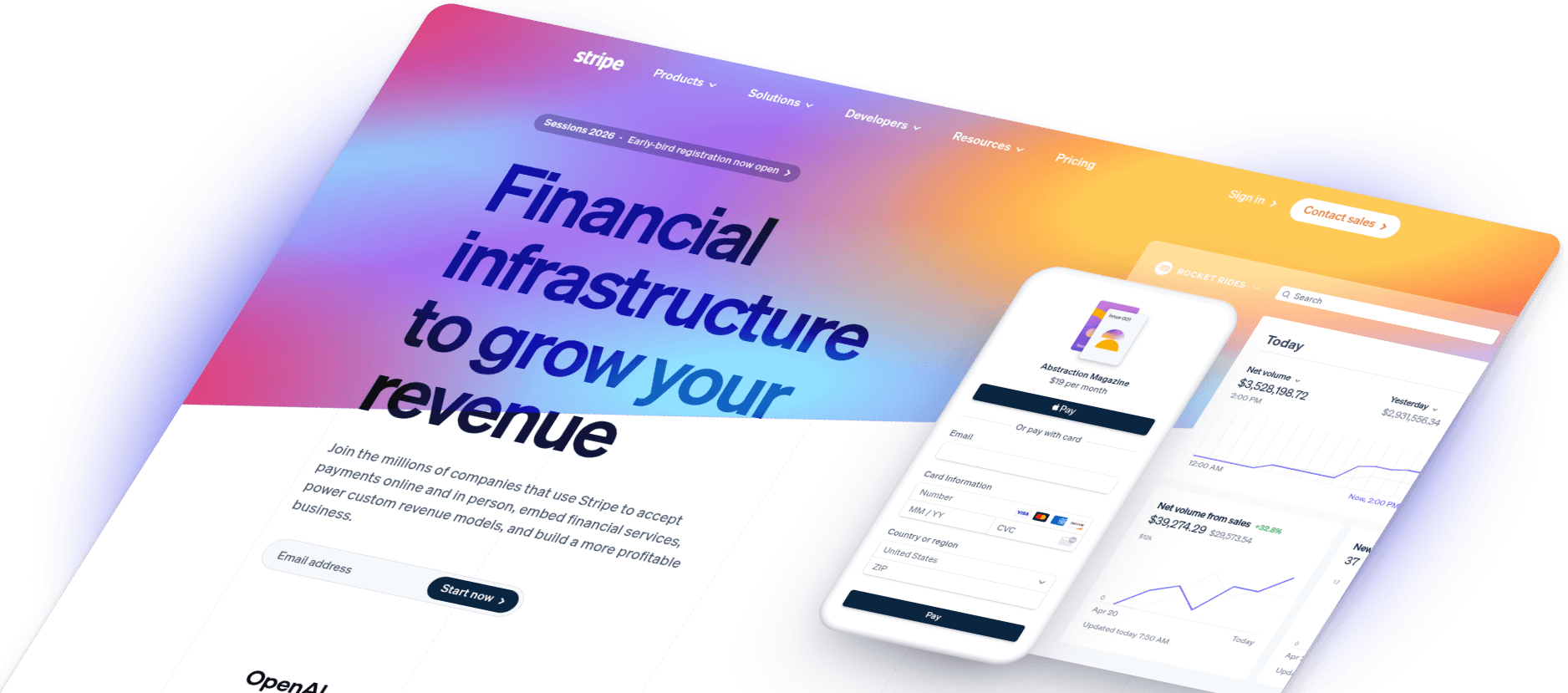
800M+ screenshots rendered for over 1,700 customers.
5 out of 5 stars
"API is so straightforward"
5 out of 5 stars
"accurately capture HTML5"
5 out of 5 stars
"scaled our volume 5x"
How hard could it be?
Your team already built a screenshot API microservice.
Headless Chrome with Selenium, Puppeteer or Playwright on AWS Lambda, Google Cloud Run or Cloudflare Workers. You hoped they'd just work after a few hours of setup. Three weeks absolute max.
Then you discover unmaintained dependencies are the least of your worries.
A mature rendering engine
Imagine spending a decade perfecting a screenshot API
Urlbox's trusted Web Vision Engine™ has evolved through over 50 major releases since 2012. It can set you free from all those distractions so you can focus on your core product.
Security risks
Running headless browsers in production on your own network is not for the faint hearted. Server side request forgery (SSRF) is the tip of the iceberg of vulnerabilities.
Improved security posture
Headless browsers completely isolated from your network. No data stored on infrastructure you don't control. Penetration tests and certifications pass with flying colours.
Constant maintenance
Headless browsers are extremely resource intensive. Requests freeze, processes crash and constantly need rebooting. Browsers were not built for server environments — they need constant care and attention.
Truly low maintenance
Globally distributed, self-healing Kubernetes clusters with autoscaling and monitoring. A stable dependency tree you're comfortable with from top to bottom.
Endless edge cases
You will be amazed by all the weird and wonderful ways HTML & CSS renders in server-side scenarios. These issues provide a never ending list of distractions from your core product.
Edge cases solved
A decade of expertise in the nuances of font rendering, emoji glyphs, and every new browser version. Your team can focus on what actually matters.
Unpredictable costs
Many rendering issues can be resolved with more memory, more CPU, longer timeouts and GPU. In production, and especially when using serverless, the bills can grow faster than LLM token usage costs.
Costs optimised
You've found the perfect balance of cost and performance. You can predict your server bill to the penny for every batch of 1,000 screenshots rendered.
Full control
Screenshots without the stress
With over 100 options Urlbox has more image rendering control than you'll ever need. Focus on the things that really matter.
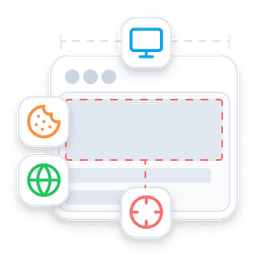
Full control over your captures
100+ rendering options including responsive, full-page, element-level and clean captures.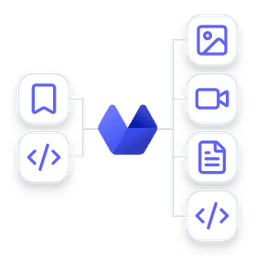
Every format you need
Turn any URL or HTML into images, video, PDFs, and structured data.
By developers, for developers
SDKs for Node.js, Ruby, PHP, Python, Java and C# with sync, async and webhook support.
Edge cases solved
Webfonts, emoji, video, captchas, cookie banners, retina and canvas — all handled.
Screenshots without getting blocked
Pick a point of view and capture pages as they appear to users anywhere around the world — bypassing bot detection, IP blocks, and geographic restrictions.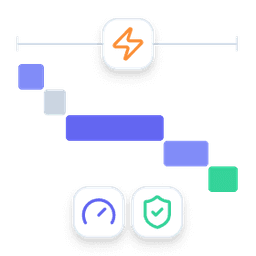
The best of speed and accuracy
Every capture prioritises correctness by default, but you can tune performance to match your needs.Urlbox's API is so straightforward, and the live preview is cool. I can play around with the parameters and see it do what I need it to do.

Matthias Wagner, CEO Flux
Rendering
Full control over your captures
Responsive screenshots
Screenshot your website at different widths and heights to simulate different devices and situations.
Full-page screenshots
Go beyond the limits of a browser's viewport and capture everything in an HTML document.
Element screenshots
Only need one part of a page? Capture just the element you need with a CSS selector.
Hide what you don't need
Remove unsightly elements, overlays, popups or banners automatically or on demand.
Formats
Every screenshot format you need
Turn any URL or HTML into images, video, PDFs, and structured data — so captures drop straight into reports, websites, and workflows.
URL
Input a URL to render.
HTML
Input HTML code.
Image
PNG, JPEG, SVG, AVIF
Video
MP4, WEBM
Document
PDF, SVG
Data
MD, JSON, HTML
Image
When you want to capture a snapshot of a full or partial page at a specific point in time.
- PNG: Even with a transparent background.
- JPEG: For photos and general use.
- WEBP: For modern browsers and mobile devices.
- AVIF: For high-quality images on modern browsers.
Video
When you want to capture an animated website or a video scrolling down a page.
- MP4: For general video use.
- WEBM: For modern browsers and mobile devices.
Document
When you want to capture a page as if it were printed or you need a vector graphic for a design pipeline.
- PDF: For reports, invoices and more.
- SVG: For vector graphics.
Data
When you need to capture more context at the same moment as taking a screenshot, recording a video or generating a document.
- MD: Extract text content as markdown for LLM inputs.
- JSON: Extract structured metadata and more data from pages.
- HTML: Get the fully hydrated HTML with dynamically loaded content.
SDKs
A screenshot API for every platform
A single API call to screenshot any URL or chunk of HTML. Generate PNGs along with fully hydrated HTML, markdown and metadata. Over 100 rendering options including custom JS.
Example Code
By Developers, for Developers
Ruby, Python and PHP developers depend on Urlbox to deliver fast, accurate screenshots, every time.
More recently they've been joined by developers using Clojure, Elixir, .NET, Classic ASP and all the flavours of JavaScript you can imagine.
GET or POST Request
GET requests (aka Render Links) work synchronously and allow you to configure your screenshot directly inside its URL. You can also use a POST request to call the API synchronously or asynchronously along with a large HTML payload.
Sync or Async
POST requests can receive responses asynchronously by polling or using a webhook. This allows you to render multiple screenshots in parallel. Using a POST request, you can also receive the response synchronously, which makes integration with no-code services seamless.
JSON or Binary Data
Calling the API synchronously via GET request, you will always receive the binary image data, so you can directly include the request URL inside your img tags. Using POST requests, you will receive a JSON blob containing the screenshot's URL and (optionally) URLs to metadata, markdown text and fully-hydrated HTML.
Edge Cases Solved
What you see is what you get
Urlbox ensures your screenshots will be accurately and consistently rendered at all times — even for cutting-edge web technologies.
Webfonts & Emoji
Render emoji exactly as they appear on your Apple device.
Video
Capture animations as designers intended.
Block Popups
Don't let ads and popups ruin your screenshots.
Bypass Captchas
Get around captchas and other anti-bot measures.
Auto-Accept
No more cookie banners in your screenshots.
Custom Proxy
Use your own proxy to access websites behind a firewall.
Retina Images
Render images at 2x resolution.
SVG
Output SVG images.
Canvas
Render canvas elements.
Multi-Platform
Use with your favorite language.
Coverage
Screenshots without getting blocked
Set the geographic origin of each request and hide automation signals so you avoid blocks, bot detection, and unwanted regional redirects.
Performance
Fast screenshots when it matters, accurate captures when it counts
Every capture prioritises correctness by default, but when speed drives growth, we help you tune performance and accuracy to match your product's needs.
You only pay for successful renders — so accuracy is in our interest too.

Team
A real team behind every screenshot
Four UK-based screenshot engineers, decades of experience, and a shared inbox — when you email support, or book a call, you talk directly to the people who built the platform.

Arnold Cubici-Jones
Worcestershire

Chris Roebuck
Yorkshire
Gus Meneses
Oxfordshire

Jon Markwell
Sussex
Compliance
Built to meet your security and compliance standards
Every capture is protected by the same product security, network controls, and data-privacy policies you expect from modern SaaS — with SOC 2 Type II, GDPR, and US or EU infrastructure.


Regulation
Made for regulated environments
If your organisation needs formal review, documentation, or security sign-off, we’ll guide you through it — quickly and without surprises.
- Extended trials for technical and security evaluation
- US, EU, or on-premise deployment options
- Information security and compliance documentation
- Enhanced SLAs and custom MSAs when required
Solutions
Start capturing screenshots today
Screenshot API
Build screenshots directly into your software
Use our Screenshot API to generate captures on demand via synchronous or asynchronous requests, webhooks, and secure render links — so screenshots become part of your product, not a manual task.
Learn moreCaptureDeck
Turn lists of URLs into ready-to-use reports
Upload a CSV or paste a list to instantly produce clean screenshots, ZIP archives, and audit-ready PDF reports — no developers required.
Learn more