CaptureDeck
Bulk website screenshots you'd stake your reputation on
Turn a list of URLs into a beautiful PDF report, downloadable zip file, or CSV of screenshot links.
- Upload up to 100 URLs at once (or import more via CSV)
- Combine captures into a single PDF report, Zip file or spreadsheet
- Schedule recurring screenshots and detect changes
- 7-day free trial
- No credit card required
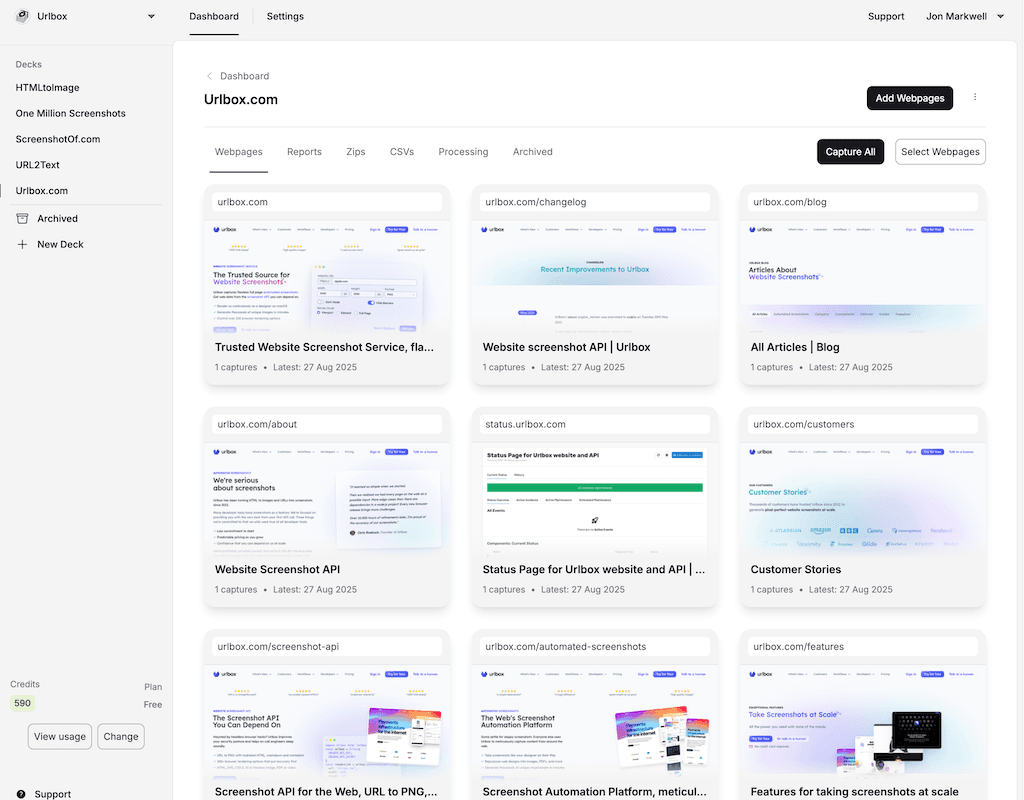
800M+ screenshots rendered for over 1,700 customers.
5 out of 5 stars
"very far ahead"
5 out of 5 stars
"high-quality images"
5 out of 5 stars
"a real success story"
Screenshots under scrutiny
Taking screenshots yourself is tedious. Delegating to humans or AI is slow and inconsistent.
You can’t afford to cut corners that undermine your credibility.
- Auditors, regulators, and clients question screenshot authenticity
- Low-cost tools introduce real security and compliance risks
- Rendering bugs, missing content, and layout glitches drive you crazy
When screenshots are used as evidence, records, or design inputs, those flaws matter. Brittle vibe coded apps aren’t good enough.
Screenshots that hold up
Urlbox's trusted Web Vision Engine™
Clean, credible captures with context.
Capture thousands of complete web pages in seconds — with the accuracy, precision, and context that matters.
Even emojis, fonts, and animations render the way a real designer on a Mac would expect.
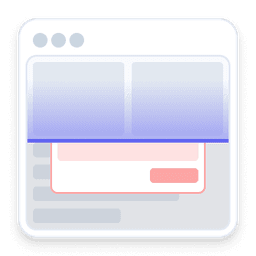
Clean, uncluttered captures
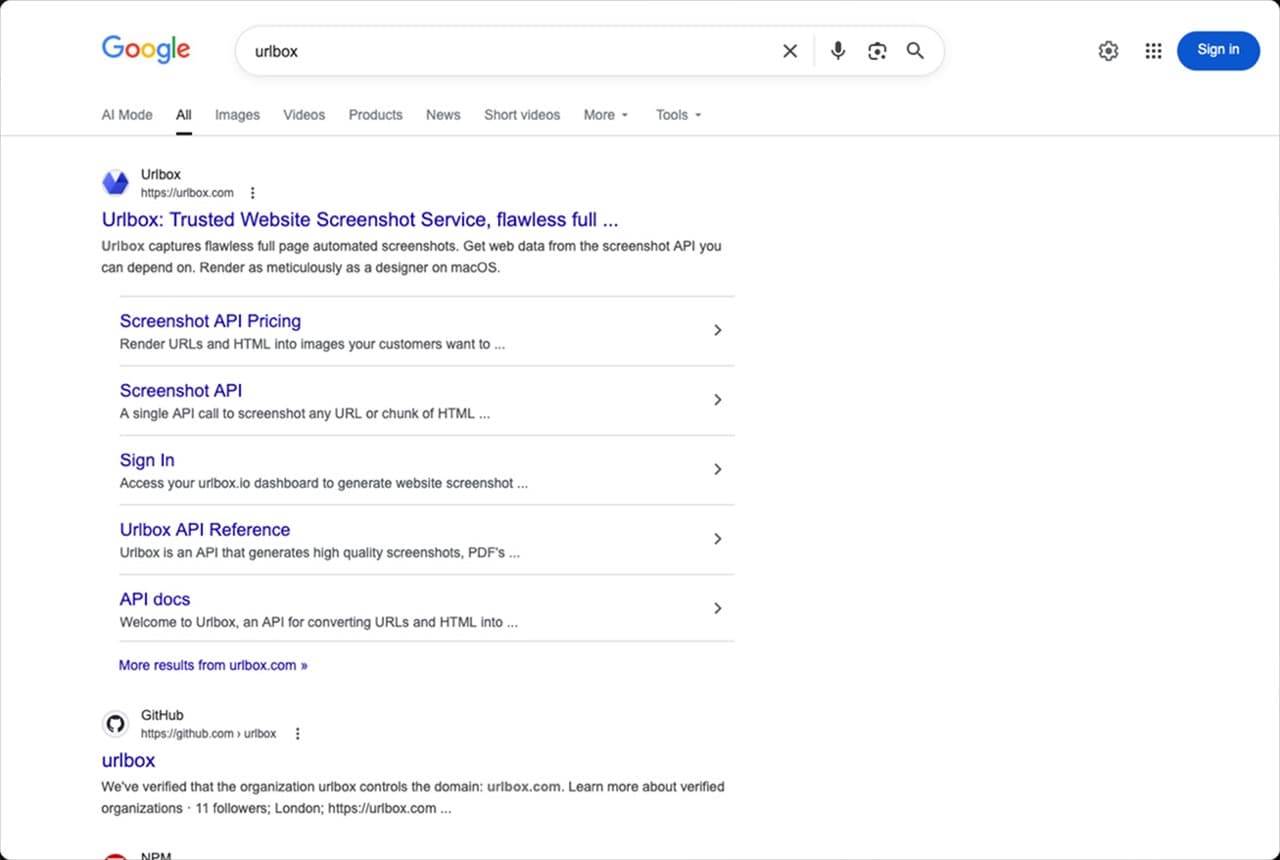
Modals, banners, and overlays are removed so pages appear as real users see them.
Forensic-grade context
Every screenshot includes HTML, metadata, and cryptographic timestamps.
Capture presets
Full-page, mobile, social profiles, ecommerce, news — or customise with 100+ rendering options.
PDF screenshot reports
Combine screenshots into formatted reports your clients, auditors and regulators will appreciate.
AI auto-tagging
Set simple rules and AI reviews each screenshot to automatically apply the right tags.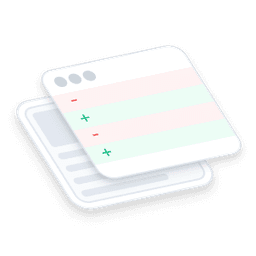
Smarter change detection
Compare consecutive captures and flag exactly what changed — layout shifts, copy updates, or broken styles.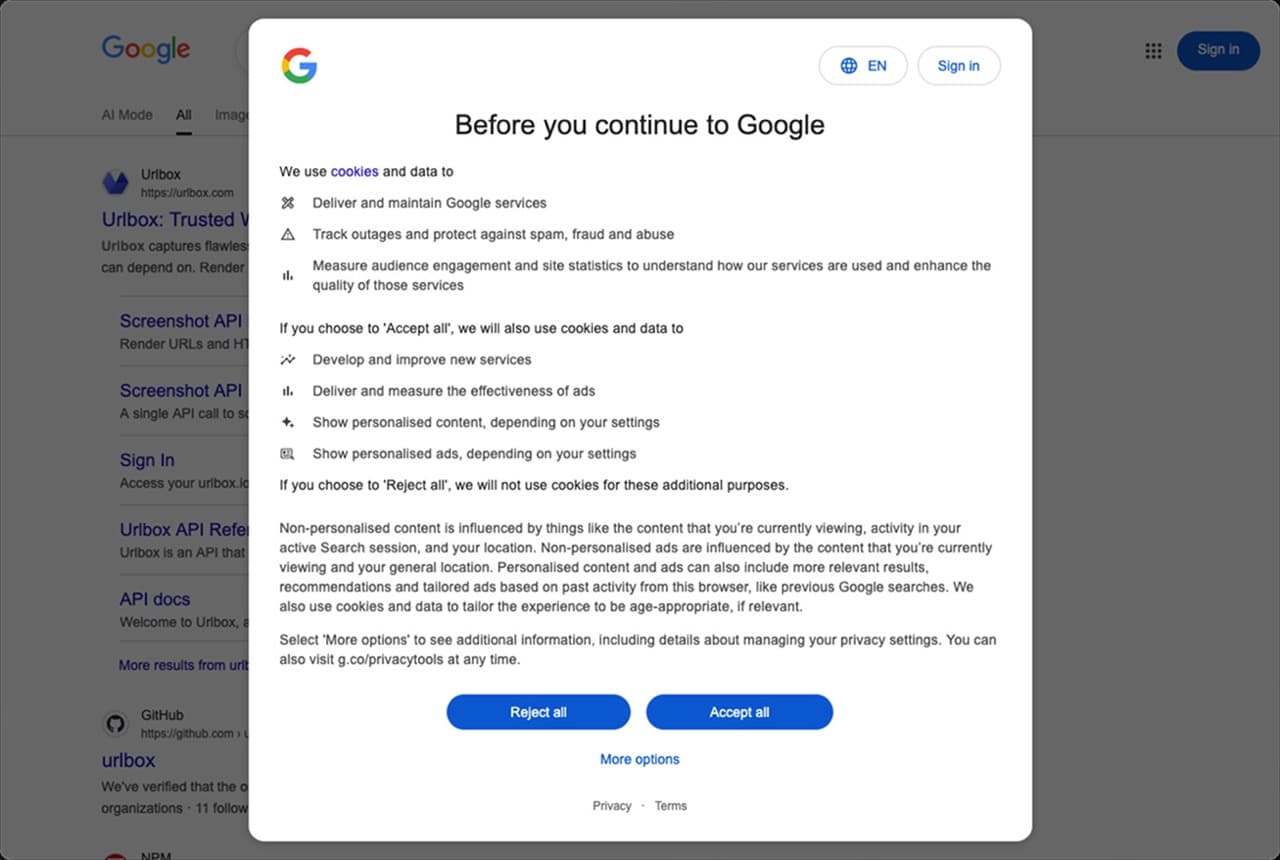
Clarity
Clean screenshots you can trust
Automatically remove modals, overlays, cookie banners, ads, and widgets so your screenshots reflect the true state of a page, not a cluttered one-off view.
Context
Bulk screenshots with forensic-grade context
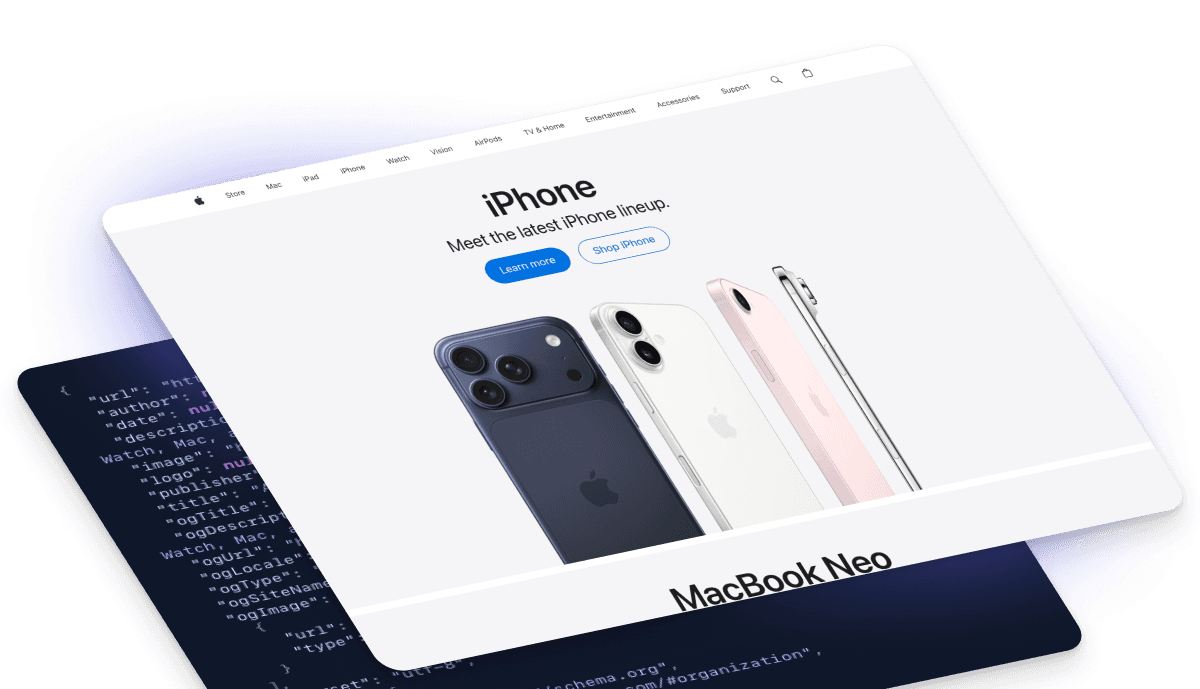
Capture metadata, links, markdown, and fully-hydrated HTML alongside every screenshot, secured with timestamps and cryptographic hashes so every screenshot is a provable, searchable record — not just an image.
Presets
Presets for specific bulk screenshot scenarios
Full-page, mobile, social media profiles, social media posts, maps, ecommerce, news articles or customise to your exact needs with over 100+ powerful rendering options — even choose the country to take the screenshot from.
Workflow
Fit screenshots into your workflow
CSV import and export
Paste a list of URLs or upload a CSV to capture thousands of pages at once — then export the results back to CSV with metadata included.
Scheduled screenshots
Set up recurring captures hourly, daily, weekly, or monthly so the screenshots you need are always taken for you.
Long-term archive
Keep screenshots for as many months or years as you want — as long as you keep your account open we won’t delete your screenshots.
Download Zip files of screenshots
Download local backups of your most important screenshots to a single file.

Save screenshots to cloud storage
Send screenshots and their context directly to your cloud storage for peace of mind.


Reporting
Generate PDF screenshot reports
Combine screenshots into a single carefully formatted report your clients, auditors and regulators will appreciate.
Monitoring
Smarter Change Detection
Don’t miss visual, text or metadata changes to a page or only highlight when one of those things has changed more than usual.
CaptureDeck compares consecutive captures and flags exactly what changed — layout shifts, copy updates, missing elements, or broken styles.
Features
Fast review with Quick Tag UI
Browse through captures, adding and removing tags in a single click so your captures are organised just the way you want.
Features
Filter and search your captures
Never lose an important capture. Find the biggest text changes, within a particular website section on a specific afternoon if certain tags have been applied. Download the results as a PDF report, csv or zip file.
Performance
Fast screenshots when it matters, accurate captures when it counts
Every capture prioritises correctness by default, but when speed drives growth, we help you tune performance and accuracy to match your product's needs.
You only pay for successful renders — so accuracy is in our interest too.
Scale
Screenshots at internet scale
From a few screenshots to millions a month, customers grow on infrastructure proven at billion-capture scale.
See it in action on OneMillionScreenshots.com — a public monthly run that captures the web at real-world scale.
OneMillionScreenshots.com
Team
A real team behind every screenshot
Four UK-based screenshot engineers, decades of experience, and a shared inbox — when you email support, or book a call, you talk directly to the people who built the platform.

Arnold Cubici-Jones
Worcestershire

Chris Roebuck
Yorkshire

Gus Meneses
Oxfordshire

Jon Markwell
Sussex
Compliance
Built to meet your security and compliance standards
Every capture is protected by the same product security, network controls, and data-privacy policies you expect from modern SaaS — with SOC 2 Type II, GDPR, and US or EU infrastructure.


Regulation
Made for regulated environments
If your organisation needs formal review, documentation, or security sign-off, we’ll guide you through it — quickly and without surprises.
- Extended trials for technical and security evaluation
- US, EU, or on-premise deployment options
- Information security and compliance documentation
- Enhanced SLAs and custom MSAs when required
CaptureDeck
Turn lists of URLs into ready-to-use reports
Upload a CSV or paste a list to instantly produce clean screenshots, ZIP archives, and audit-ready PDF reports — no developers required.
Screenshot API
Or build screenshots directly into your software
Use our Screenshot API to generate captures on demand via synchronous or asynchronous requests, webhooks, and secure render links — so screenshots become part of your product, not a manual task.
Learn more